How to Stop BOMBitUP Messages and Protect Your Phone from Spam

How to Stop BOMBitUP Messages and Protect Your Phone from Spam
Unwanted SMS and call bombing has become a serious digital nuisance. One of the most commonly mentioned tools behind such spam is BOMBitUP. If you are receiving repeated messages or calls and want to stop them permanently, this detailed guide will help you understand what BOMBitUP is, why it happens, and how to stop BOMBitUP messages effectively. See also BOMBitUP
What’s New Update in APK?
(Last updated on Jan 19, 2026)
App v4.7.0 (updated on Jan 19, 2026) includes small bug fixes and performance improvements, making the app smoother and more stable than before. See also Old Version
215 Cities
Accepted in
4+ Crore
Accepted at over
What Is BOMBitUP?
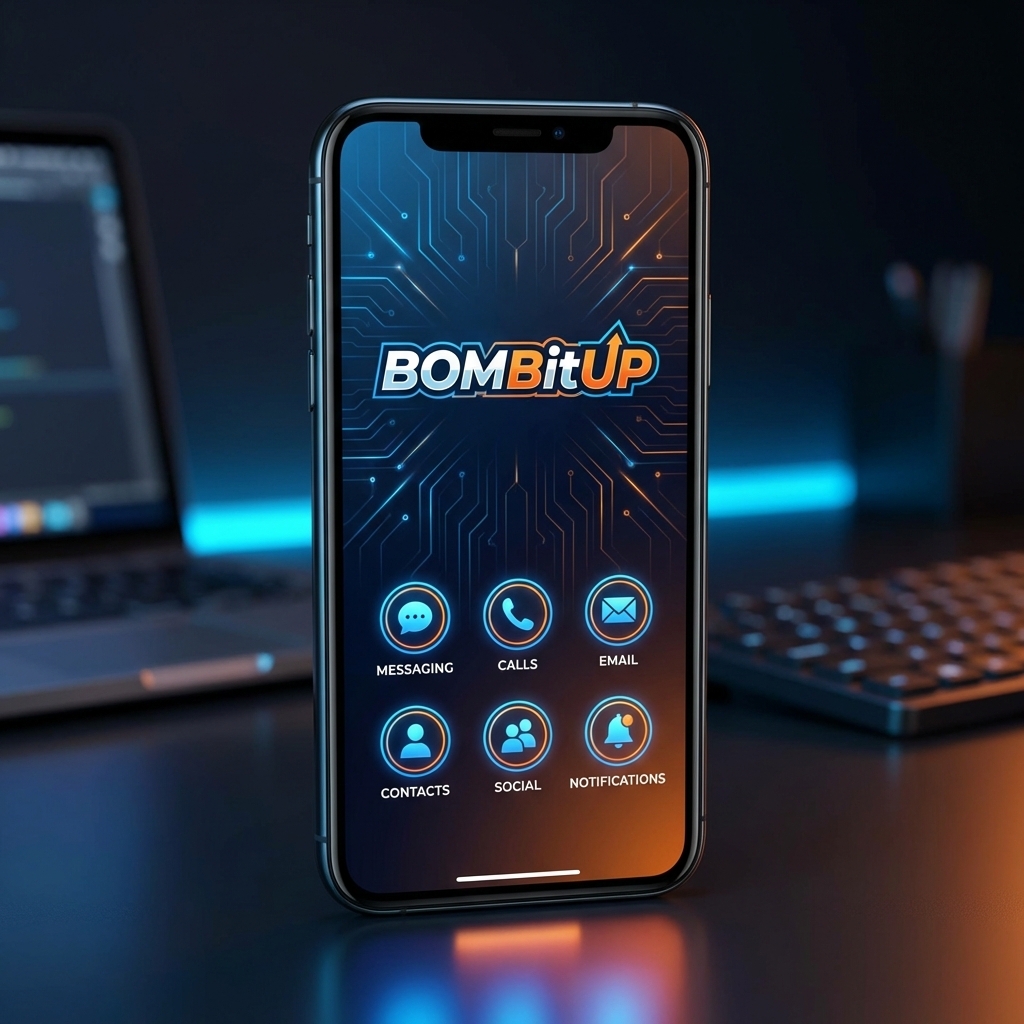
BOMBitUP is an online tool or mobile application that allows users to send bulk SMS, OTP messages, and repeated calls to a target phone number. While some people use it as a prank tool, it is often misused for harassment, spam, and digital disturbance.
The tool works by triggering multiple SMS or call requests through automated systems or third-party services. Because of this setup, the recipient usually cannot identify who started the bombing.
Why Are BOMBitUP Messages Hard to Stop?
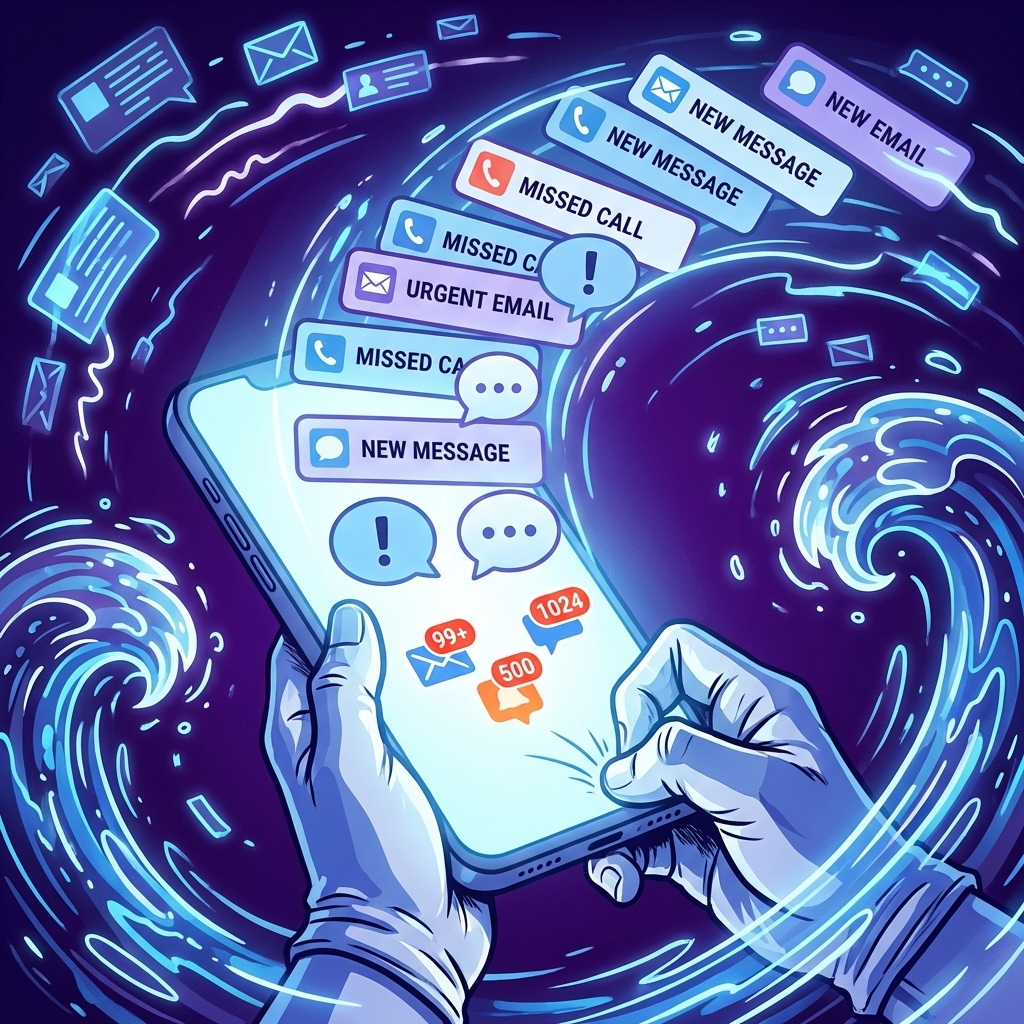
BOMBitUP messages are difficult to block for several reasons:
- Messages come from multiple sources
- Sender identity is hidden
- Numbers change frequently
- Calls and SMS may appear legitimate (OTP, verification alerts)
This makes simple blocking ineffective in many cases.
How to Stop BOMBitUP Messages (Step-by-Step Guide)
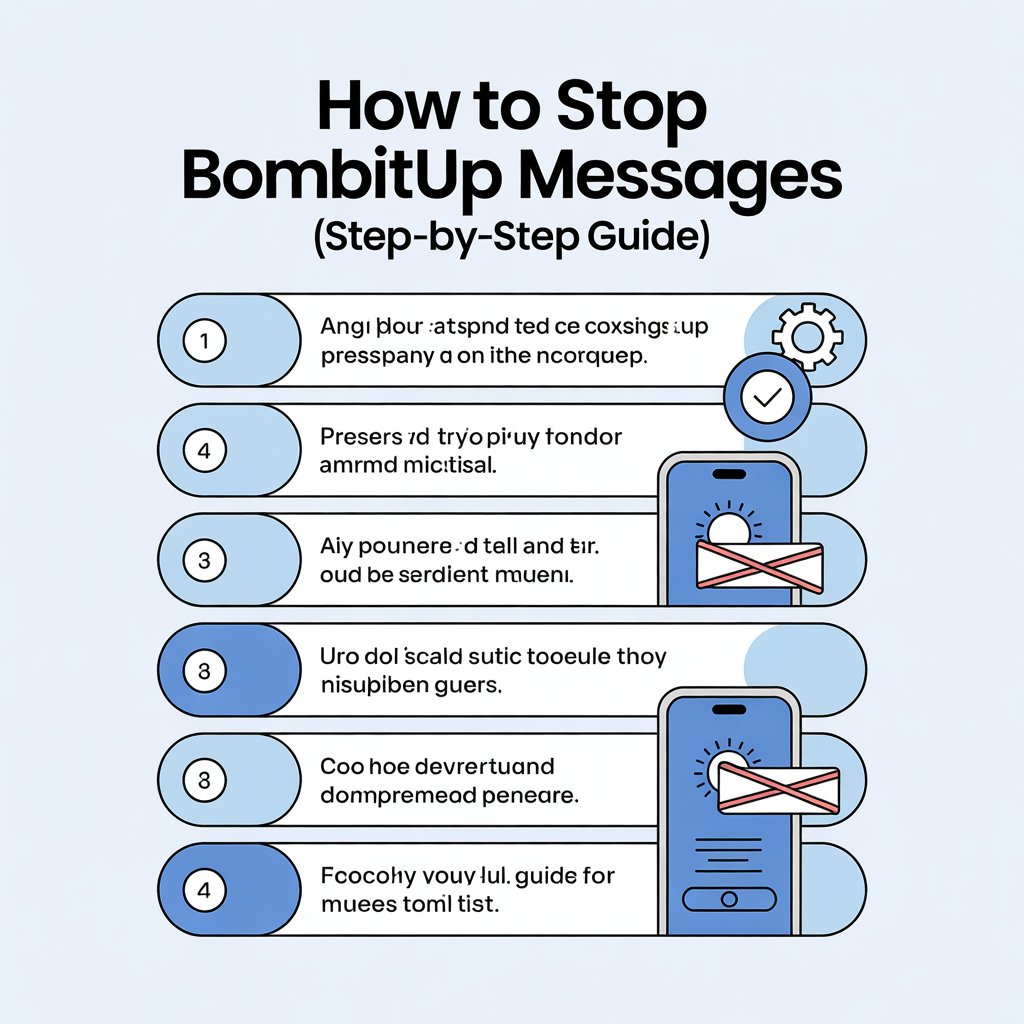
1. Use BOMBitUP Protection or Block List
Some BOMBitUP platforms offer a Protection List feature. If available:
- Visit the official BOMBitUP website
- Find the “Protect Number” or “Block Number” option
- Enter your phone number and verify it via OTP
This can prevent your number from being targeted again on that specific platform.
Enable Spam Filters on Your Phone
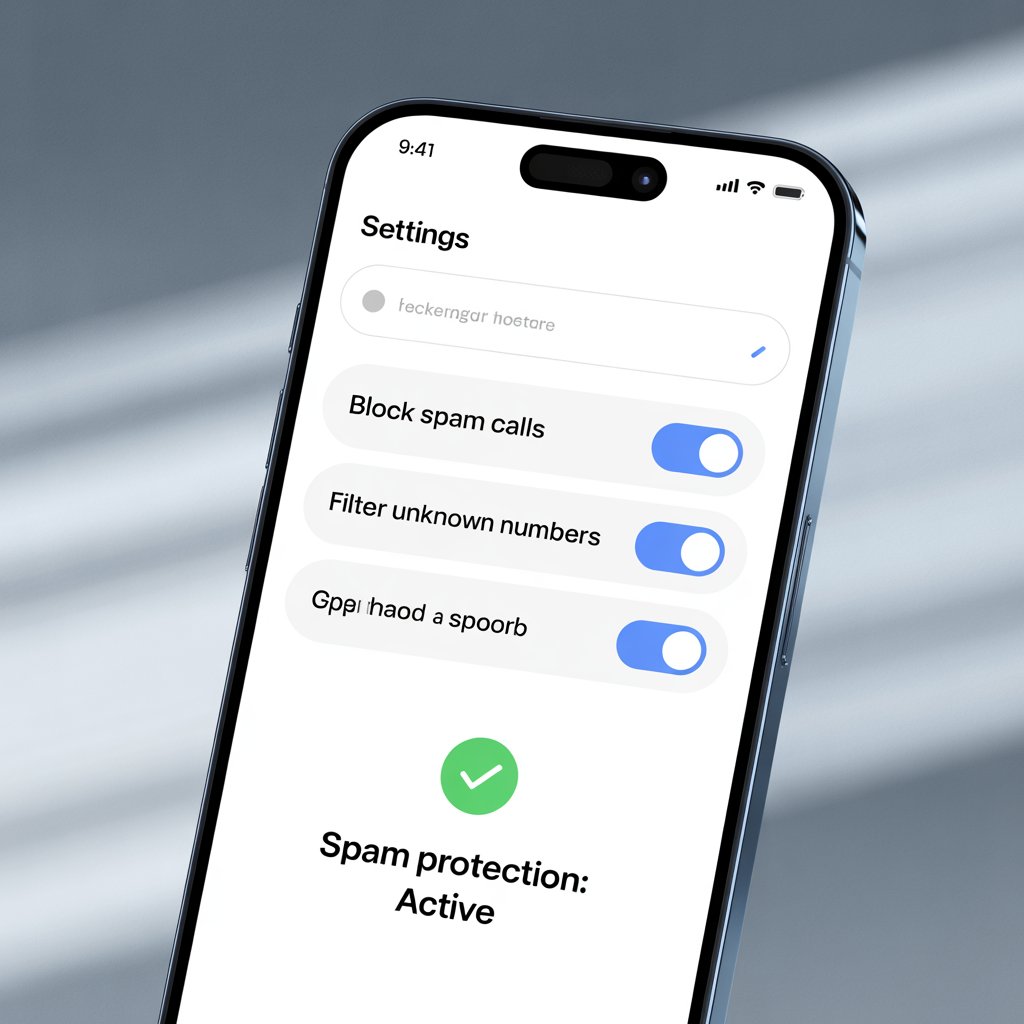
For Android Users:
- Open Messages app
- Go to Settings → Spam Protection
- Turn on Enable Spam Protection
For iPhone Users:
- Go to Settings → Messages
- Enable Filter Unknown Senders
- Turn on Silence Unknown Callers in Phone settings
This helps reduce message notifications and spam calls significantly.
Contact Your Mobile Network Provider
Your mobile carrier has access to advanced filtering tools.
Ask them to:
- Block bulk SMS gateways
- Enable DND (Do Not Disturb)
- Investigate spam activity on your number
In serious cases, carriers can temporarily block suspicious traffic.
Register for Do Not Disturb (DND)
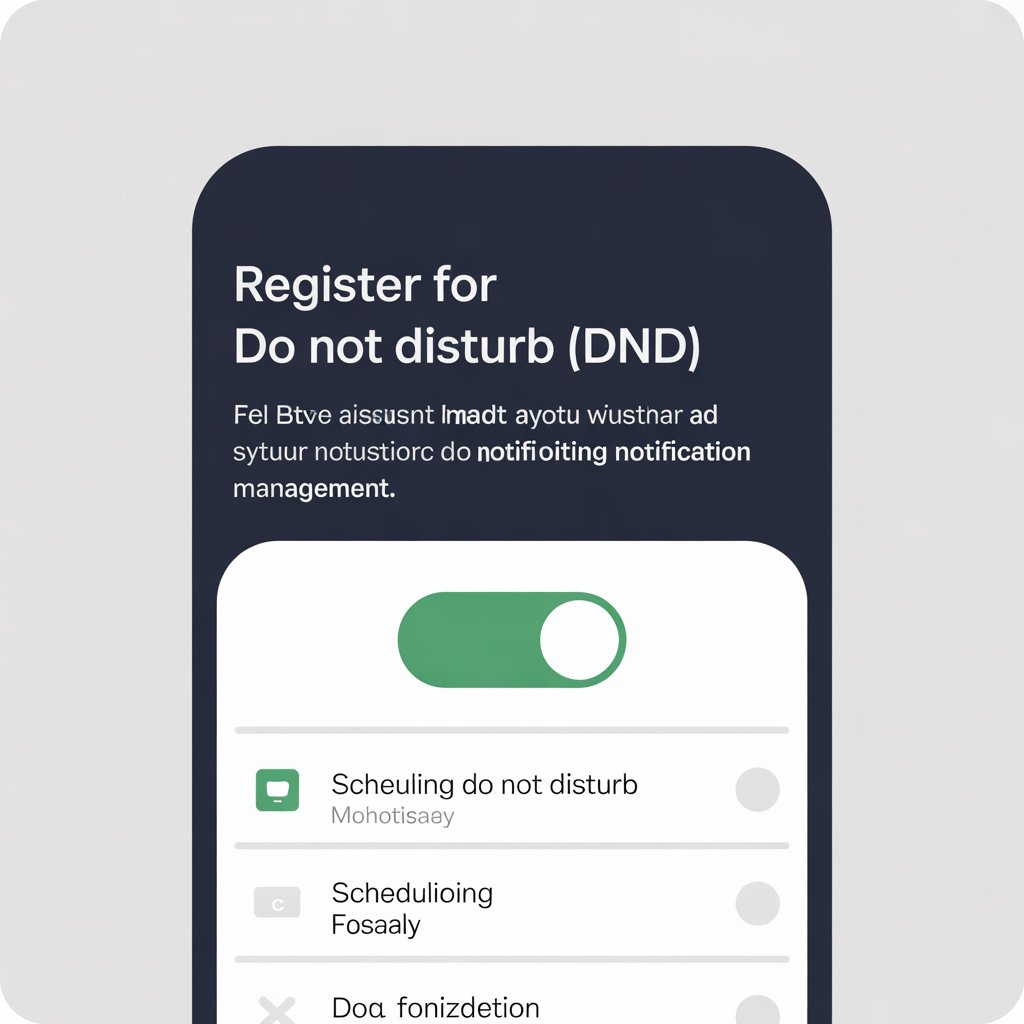
Most telecom providers allow you to activate DND services.
Benefits of DND:
- Reduces promotional SMS
- Blocks unknown spam calls
- Adds an extra layer of protection
This does not stop all BOMBitUP messages but helps minimize exposure.
Use Third-Party Spam Protection Apps
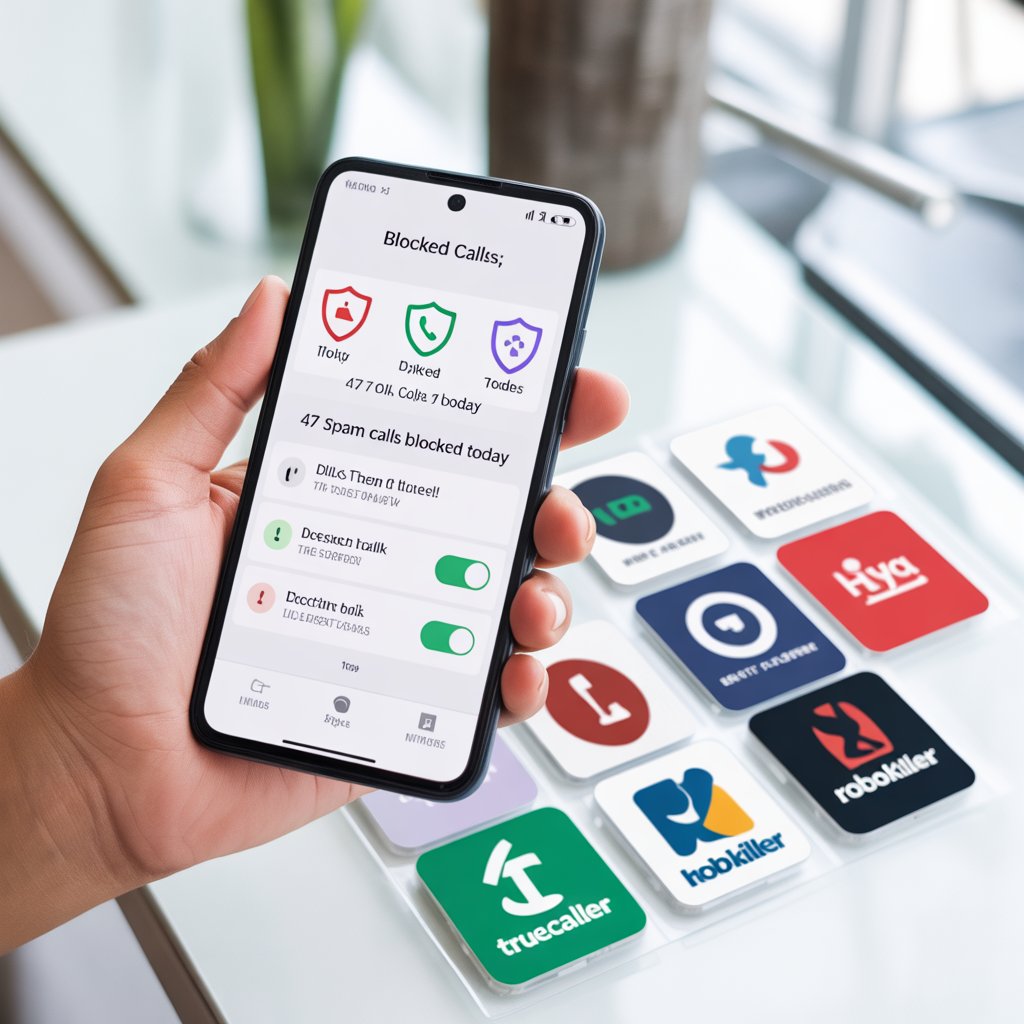
Reliable apps can automatically detect and block spam.
Popular options:
- Truecaller
- Google Phone Dialer
- SMS Organizer
These apps use community reporting and AI detection to block suspicious activity.
Report the Issue to Cyber Crime Authorities

If the bombing becomes harassment:
- Collect screenshots of messages and call logs
- Note the time, frequency, and message content
- Report it to your local Cyber Crime Cell
Authorities can involve telecom providers to trace the source legally.
Can You Find Who Is Sending BOMBitUP Messages?

Short Answer: No (For Normal Users)
BOMBitUP hides the sender’s identity. As a regular user:
- You cannot see who sent the messages
- You cannot trace IP addresses
- You cannot access server logs
Who Can Trace It?
- Mobile network providers
- Law enforcement agencies
- Cybercrime investigation units (with legal permission)
Features of BOMBitUP (Why It’s Misused)
Key Features:
- Bulk SMS bombing
- Call flooding
- OTP spam triggering
- Anonymous usage
- Fast automated sending
These features make it attractive for misuse but also legally risky.
Pros and Cons of BOMBitUP (Honest Overview)
✅ Pros (From User Perspective)
- Easy to use
- No technical knowledge required
- Fast message delivery
❌ Cons (Major Risks)
- Illegal in many regions
- Can lead to harassment cases
- Privacy violations
- Accounts and IPs can be traced legally
- Causes mental stress to recipients
Important: Using such tools may result in legal consequences.
Frequently Asked Question(FAQS)
Conclusion
Receiving spam or bombing messages from BOMBitUP can be extremely frustrating, but you are not powerless. While identifying the sender is not possible for normal users, you can still stop or reduce the impact by using spam filters, contacting your mobile carrier, enabling DND, and reporting serious cases to cybercrime authorities.
By staying alert, protecting your phone number, and using the right tools, you can regain control and keep your phone spam-free. Digital safety starts with awareness — and now, you have it.
Users’ Reviews
Many users use app daily to improve their experience. Here are reviews of some satisfied users:
Smooth Performance
Users love how smoothly BOMBitUP runs without freezing or crashing.

Simple and Easy to Use
Its clean design makes it simple for anyone to understand and use quickly.

Fast Message Delivery
Messages are sent quickly, making it reliable for testing purposes.

Perfect for Fun Testing
People enjoy using it for light, safe fun and message testing with friends.